Free app
Get the iBring app
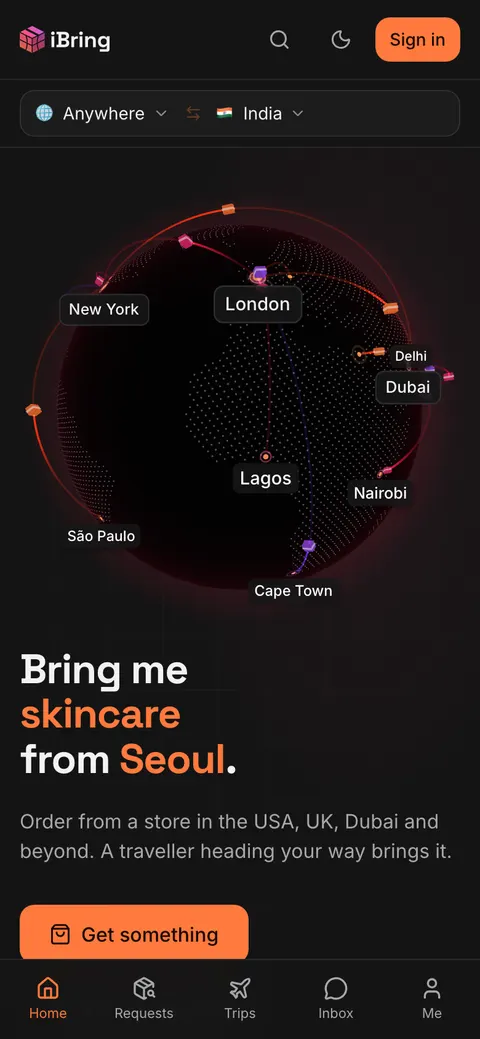
Free on Android, iPhone and your computer. It installs from your browser in seconds and sends you an alert the moment something moves.
01
Install the app
Instant alerts
Know the moment a bringer responds or your deal moves.
Faster
Opens full screen from your home screen or dock.
Works offline
Your app shell loads even on a weak connection.
How to install it on each device
iPhone and iPad (Safari)
- Open iBring in Safari and tap the Share button.
- Choose Add to Home Screen, then Add.
- Open iBring from your Home Screen to get alerts (iOS 16.4 or later).
Android (Chrome)
- Tap the menu in the top corner.
- Choose Install app or Add to Home screen.
Computer (Chrome or Edge)
- Click the install icon at the right of the address bar.
- Confirm Install. iBring opens in its own window.
Questions about the app
Is the iBring app free?
Yes. The app is free to install and free to use.
Is iBring on the Google Play Store or Apple App Store?
Not yet. iBring is a web app, so you install it straight from your browser. It works like a store app: it opens from your home screen, sends alerts and updates itself.
How do I get the iBring app on iPhone?
Open ibring.xyz in Safari, tap Share, then Add to Home Screen. Alerts need iOS 16.4 or later.
How do I get the iBring app on Android?
Open ibring.xyz in Chrome, tap the menu, then Install app or Add to Home screen.
Can I use iBring on my computer?
Yes. In Chrome or Edge, click the install icon in the address bar and iBring opens in its own window. You can also just use the website.
How much space does it take?
Very little, a few megabytes, because it doesn't download a full app package.